
Coloring app · iPhone and iPad
Color the world, at a time.
Every page you color is a piece of a bigger picture. Finish the pieces, fill the mural, and stamp your way around a hand-drawn globe.
Free on the App Store for iPhone and iPad.
- worlds
- 2worlds
- pieces
- 34pieces
- single pages
- 238single pages
- lessons
- 31lessons
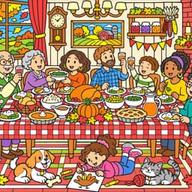
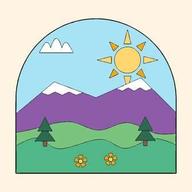
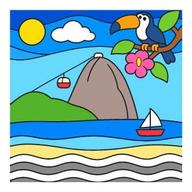
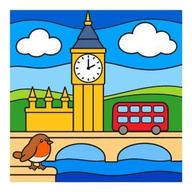
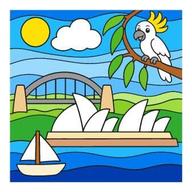
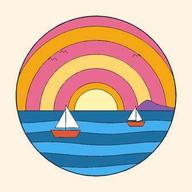
Drag the globe. In season now: Thanksgiving Feast.
Worlds
Every page is a piece of a bigger picture.
A World is one big scene cut into coloring pages. Color a piece and it drops into the mural in your colors. Pick any order. The app suggests an easy path from open sky to the busy parts.
- 2 worlds and 34 pieces today, from 13 to 21 pieces each
- Free color, Color by number, Magic color or Scratch reveal
- Zoom out any time to see the whole mural fill up
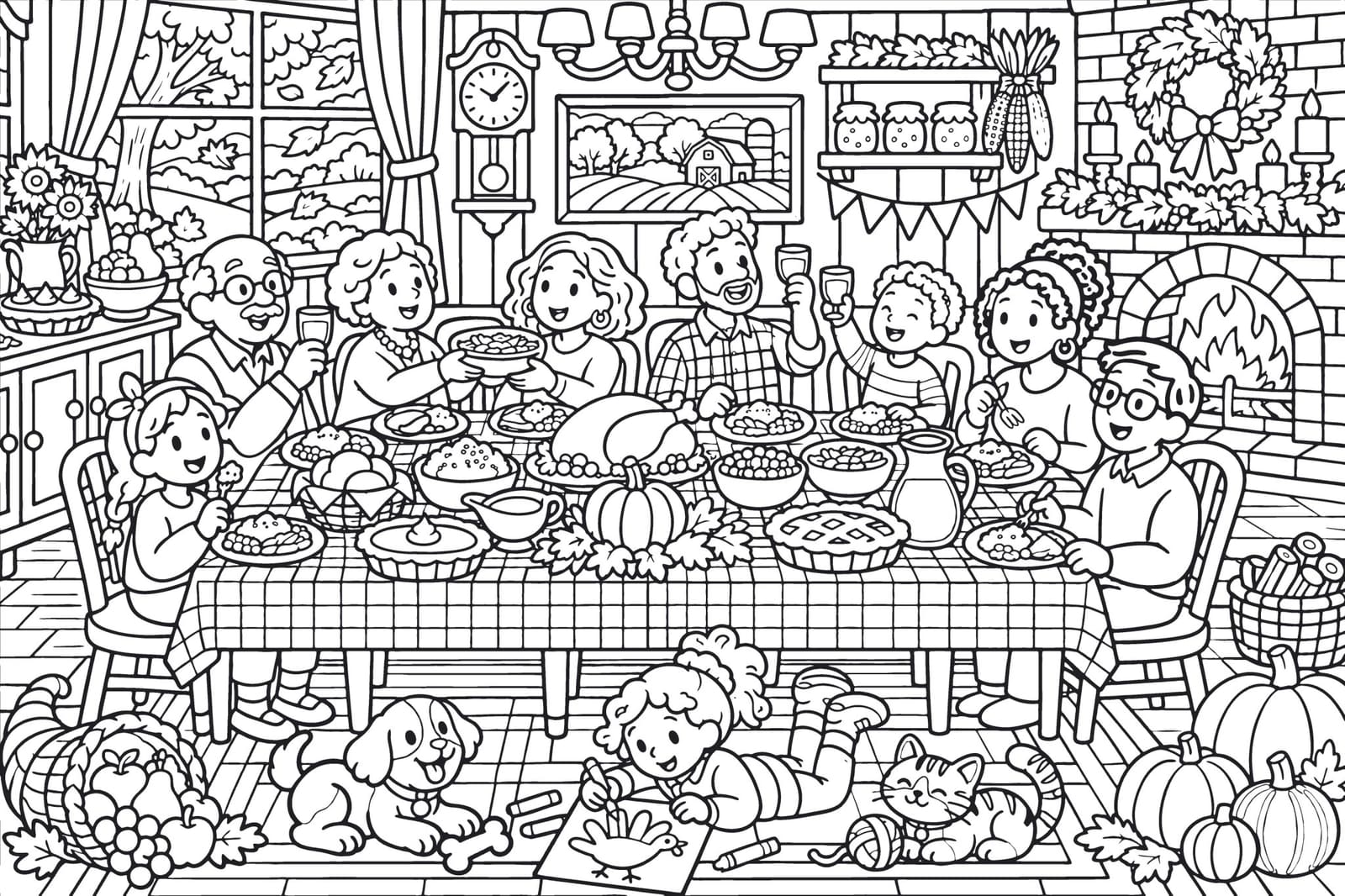
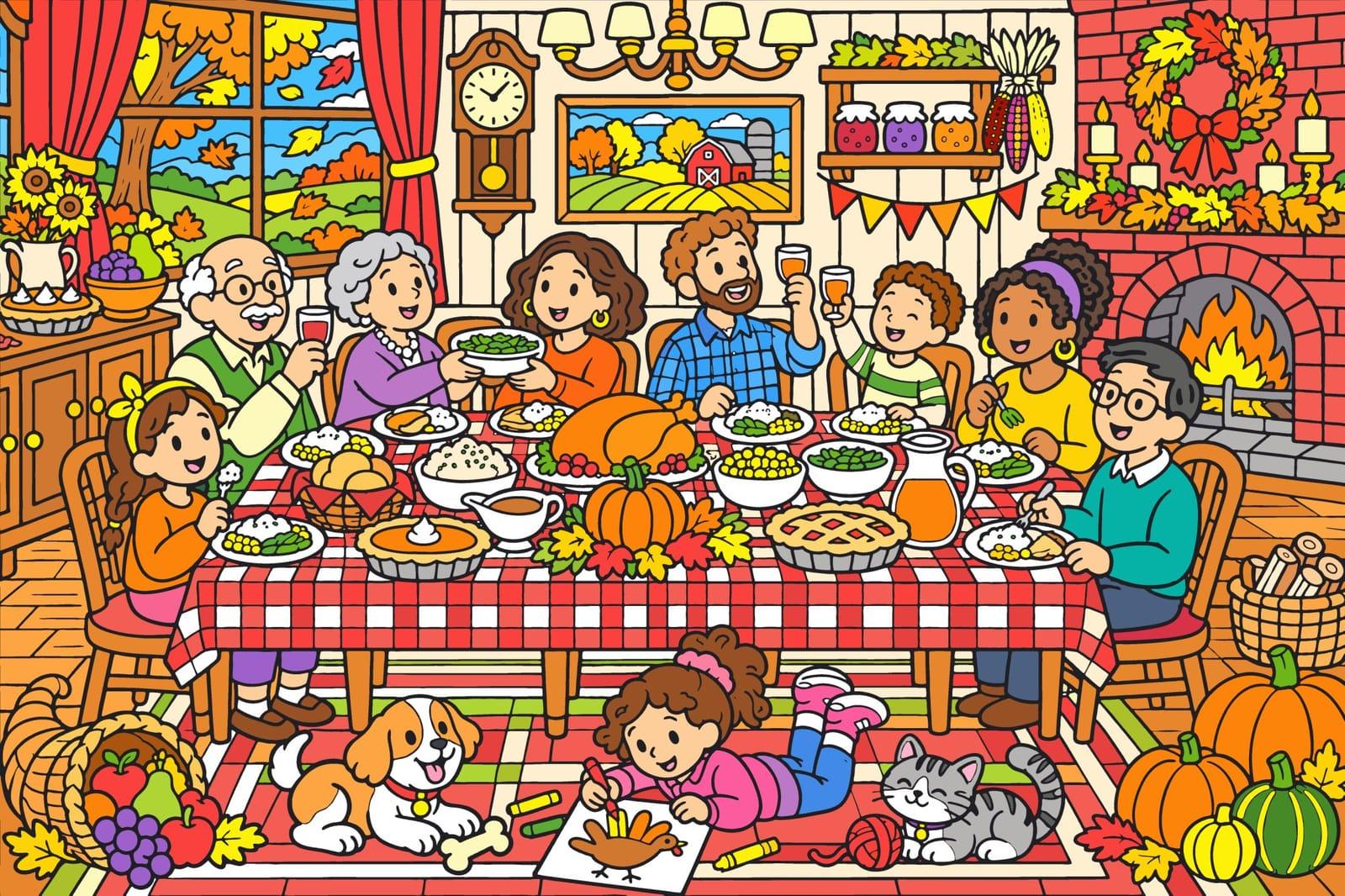
Drag the handle: the app's own line art on the right, the finished mural on the left.
Five levels, from one hour to a real poster
Starter
about 1 hour to finish
More worlds on the way
Explorer
2–3 hours to finish
Artist
about 5 hours to finish
Master
8–10 hours to finish
More worlds on the way
Legend
15+ hours to finish
More worlds on the way
Draw the head with two fluffy pointed cheeks
A real lesson from the app: Fox, 11 steps. New strokes are orange, earlier ones turn grey.
How to draw
Learn to draw it, one stroke at a time.
Each lesson breaks a drawing into short steps with one clear instruction. Trace over the guide, copy it next to you, or switch on a grid. When you are done, color what you drew.

Play
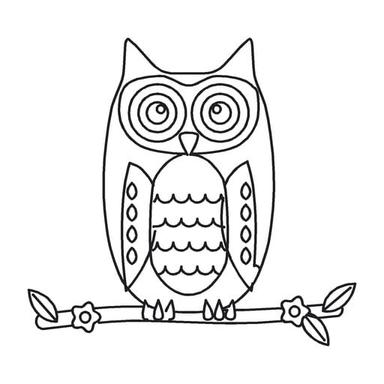
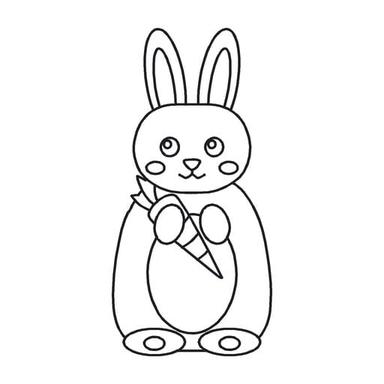
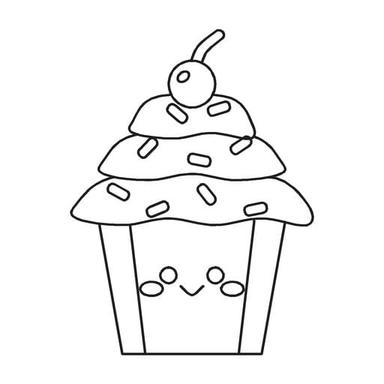
Three small games, made from your pages.
A break between pieces. Each game has three difficulty levels and uses the same pages you color.
Dot to Dot
Join the numbers and watch the drawing appear.
Puzzle
Your colored pages, cut into 9 to 64 pieces.

Spot the Difference
Five changes per page, three hearts.
Illustrations made from the app's own art.
Seasons
Always something in season.
Holiday worlds light up on the globe a few weeks before their date and stay in the catalog all year. More holiday worlds are on the way: each one goes live after its review.
Free and Pro
Start free. Go Pro when you want it all.
Free
No account, no time limit.
- One full world: Woodland Animals, the Starter world
- Six more pages free every day
- A starter set of single pages
- Any page you have started stays open
- The free How to Draw packs
Pro
SubscriptionWeekly, monthly or yearly. Cancel any time.
- Every world, every season
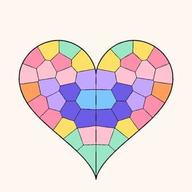
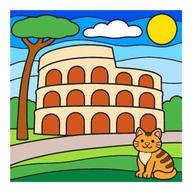
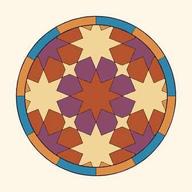
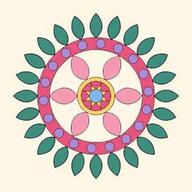
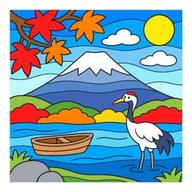
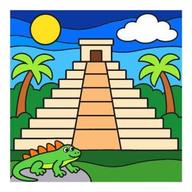
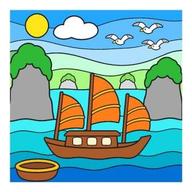
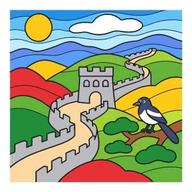
- All 238 single pages: mandalas, animals, landscapes, 8 country postcards and more
- No watermark on your exports
- 4K video export: watch your world fill up, piece by piece
The App Store shows the price and any free trial before you buy.
What is DrawingEZ?
A coloring and drawing app for iPhone and iPad. You color big scenes called Worlds one piece at a time, learn to draw with step-by-step lessons, and play three small games with the pages you finish.
What is a World?
One big picture, like a holiday dinner or a forest clearing, cut into coloring pages. Every piece you finish drops into the mural in your own colors. Finish them all and the whole scene is yours.
Is it free?
Yes, to start. Woodland Animals, the Starter world, is free. Six more pages open free every day, a small starter set of single pages is always open, and anything you have already started stays open.
How many worlds are there?
2 worlds today: Thanksgiving Feast and Woodland Animals, with 34 pieces between them, plus 238 single pages. Every world is reviewed before it goes live, so new ones arrive one at a time.
What does Pro add?
Every world and every season, all 238 single pages, exports without a watermark and 4K video export. Pro is a subscription (weekly, monthly or yearly). The App Store shows the price before you buy, and you can cancel there at any time.
Do I need an account?
No. There is nothing to sign up for. Your art is saved on your device.
Which devices does it run on?
iPhone and iPad with iOS 17 or later. The app is in English, Arabic, German, Japanese, Russian, Vietnamese and Traditional Chinese.
Can anyone see a picture the moment I share it?
No. Every shared picture is checked before anyone else can see it, and you can delete everything you shared from Settings at any time. Sharing is optional.
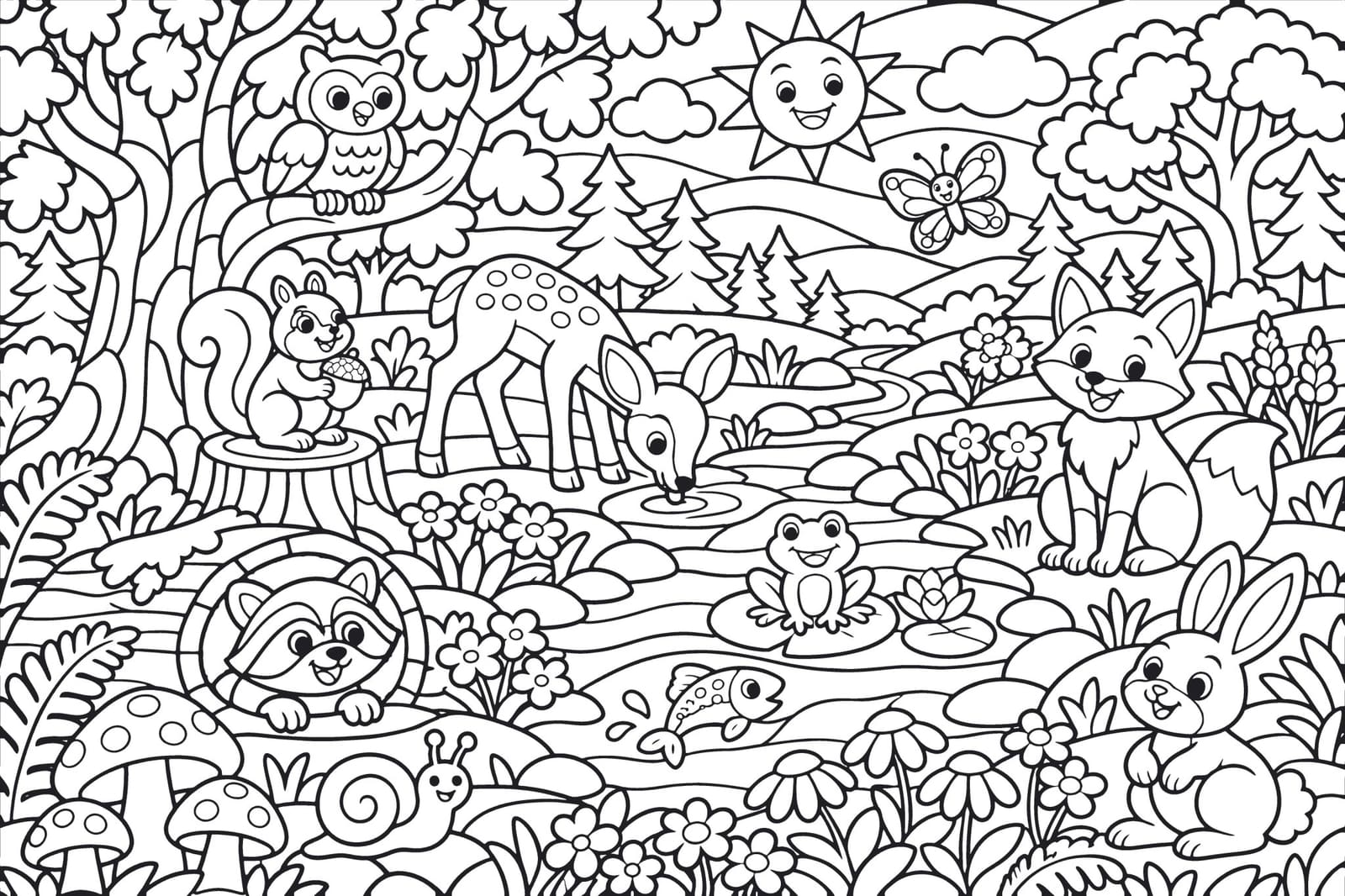

Pick a place. Color your first piece.
Woodland Animals is free. New worlds arrive one at a time, after review.
Free on the App Store for iPhone and iPad.